WELLINGTON WIRELESS
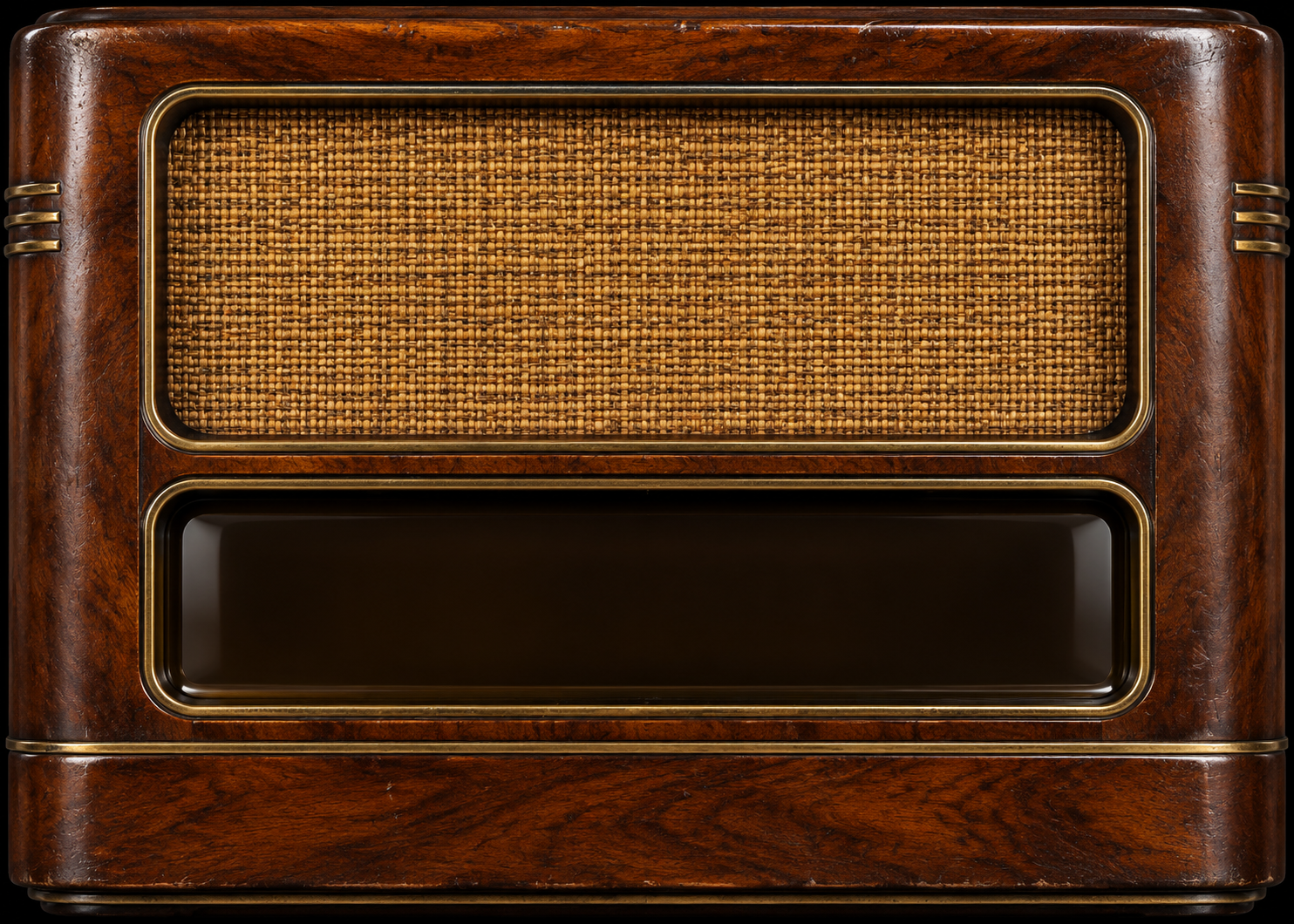
Switch on using the left knob. Give the receiver a moment to warm, then turn the right knob to explore the dial.
Keyboard: arrows adjust; Page Up / Down tune ten steps; Home / End reach the limits. Internet stations need a connection. Keep this page in the foreground on mobile.
OWNER ACCESS
OWNER CONFIGURATION
Apply saves your station settings and selected recordings on the server for every visitor. Open radios receive updates automatically.
Hosted changes require owner authentication and are saved on the server. Choose a recording and click Apply to upload it along with your station settings. Export and import are optional backups. Local file preview remains browser-only.